This article will show you easy ways to get better search results and share tips on how to use the search tool to get more leads from every search.
Three Ways to Get More Search Results
- Load More Results
- Change the Location
- Try Different Keywords
Load More Results
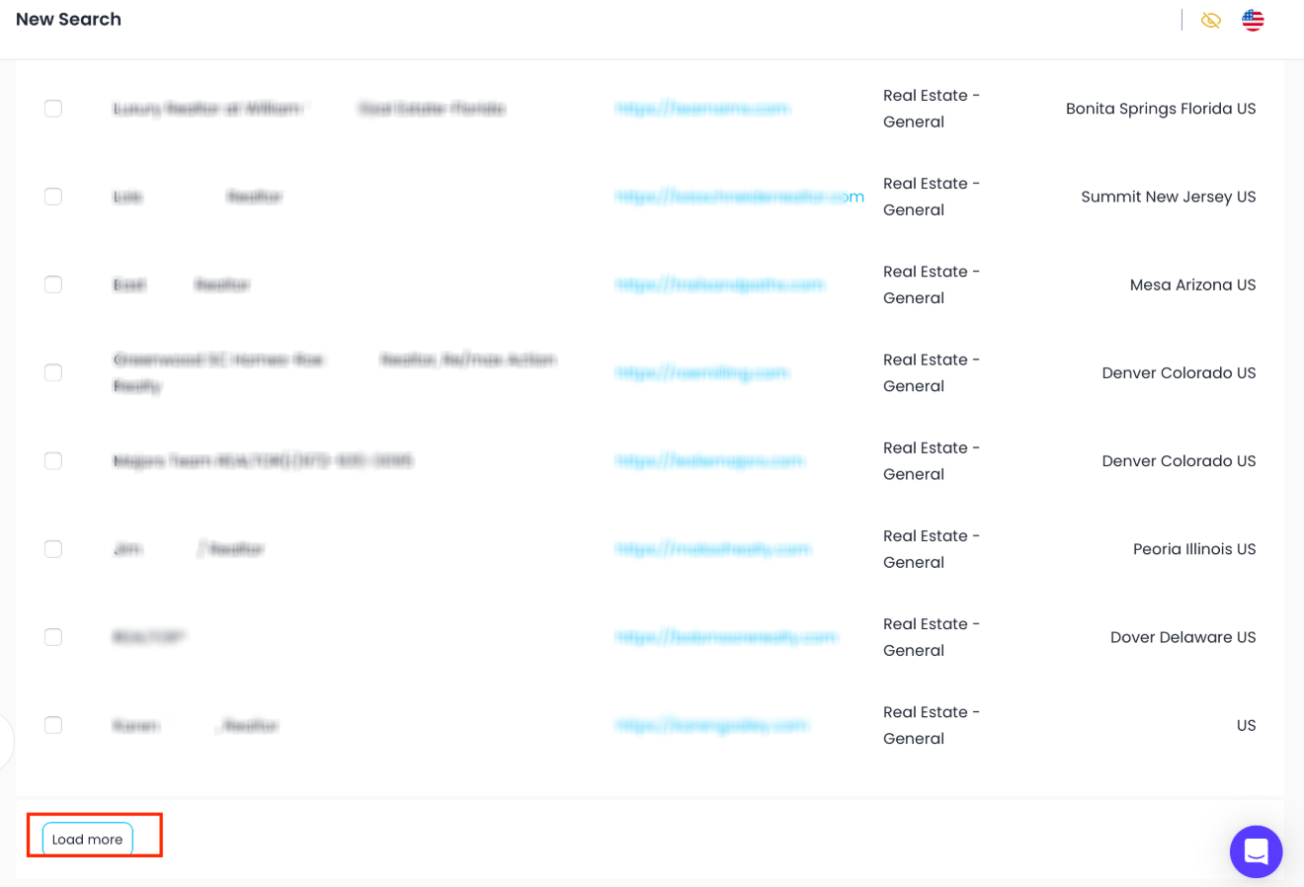
Use the Load More button to get extra results in the same area.
Steps:
- Enter your search and click Continue.
- Scroll down and click Load More.
- Do this up to three times to see the most results.
Change the Location
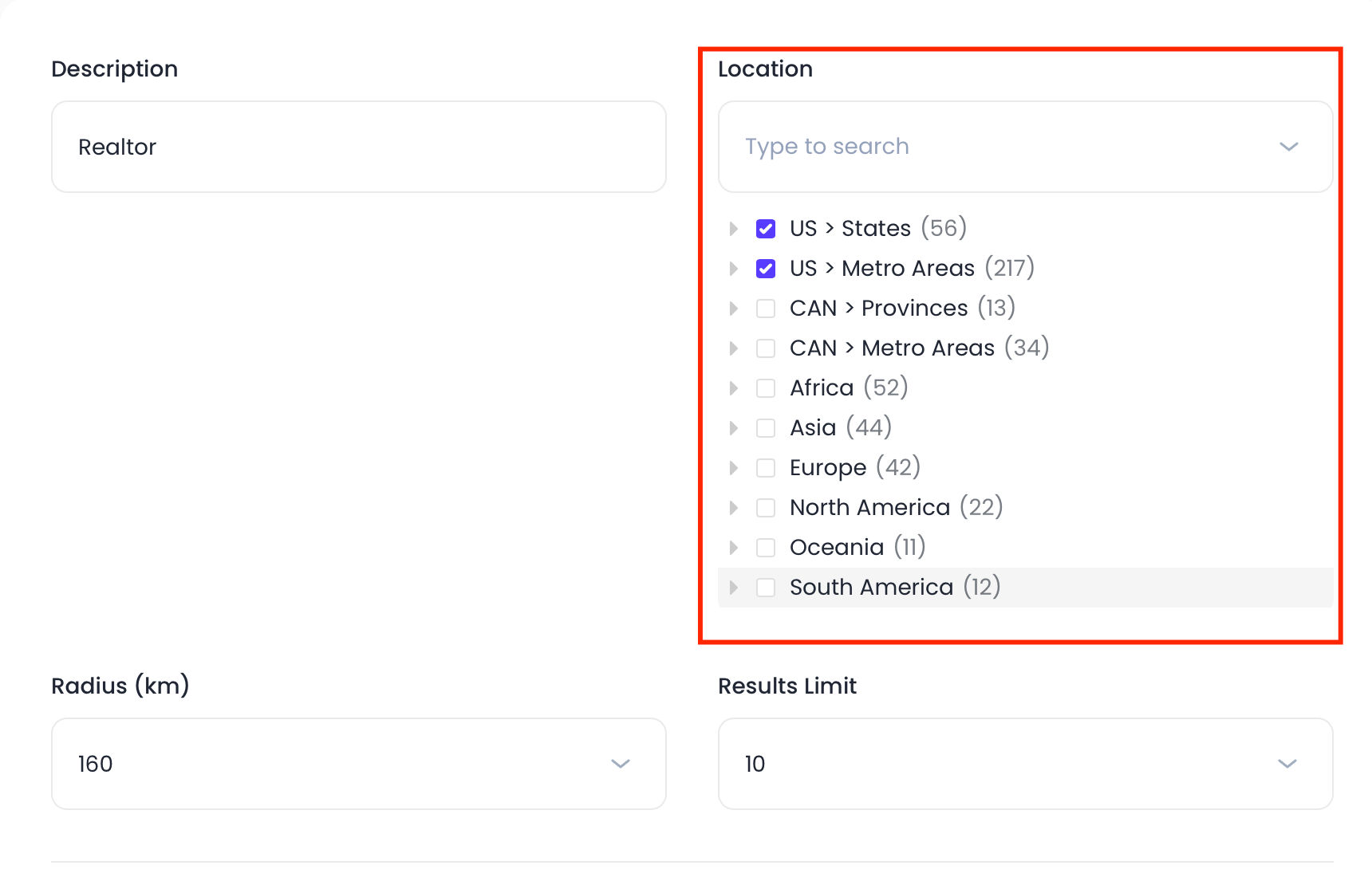
Move your search to a nearby area to find more leads.
Steps:
- Type a new location (like moving from downtown to a nearby suburb).
- Run the search again.
Try Different Keywords
Use different words that mean the same thing to find more businesses.
Steps:
- Think of other terms for the same industry.
- Example: instead of only “realtor,” try “real estate valuer.”
- Search using each keyword.
- Check which ones bring in new leads.
Was this article helpful?
That’s Great!
Thank you for your feedback
Sorry! We couldn't be helpful
Thank you for your feedback
Feedback sent
We appreciate your effort and will try to fix the article