You can now link companies directly to both custom objects and opportunities, making relationship mapping far more flexible and powerful across your CRM.
What’s New
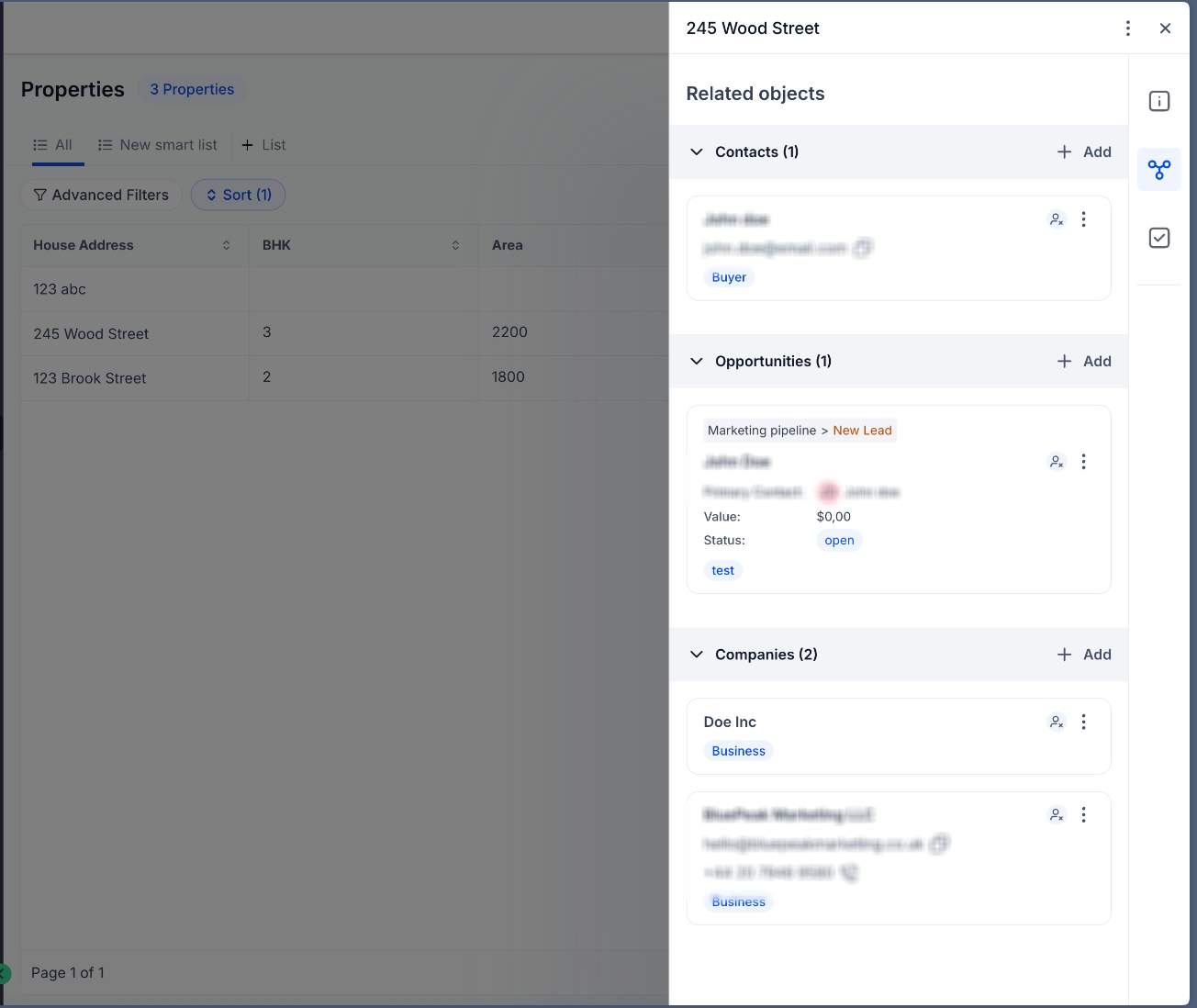
- Associate companies with custom objects
- Associate companies with opportunities
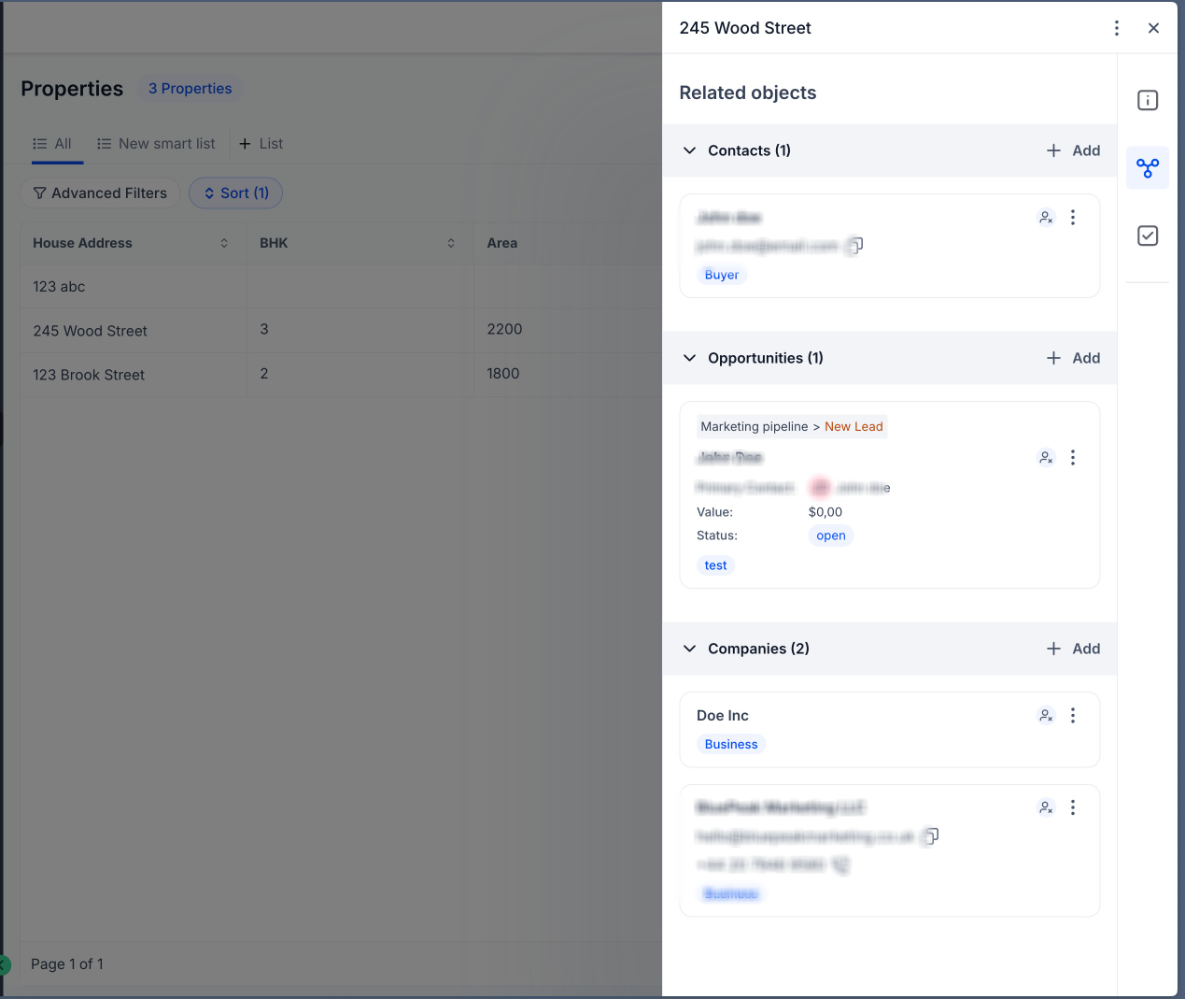
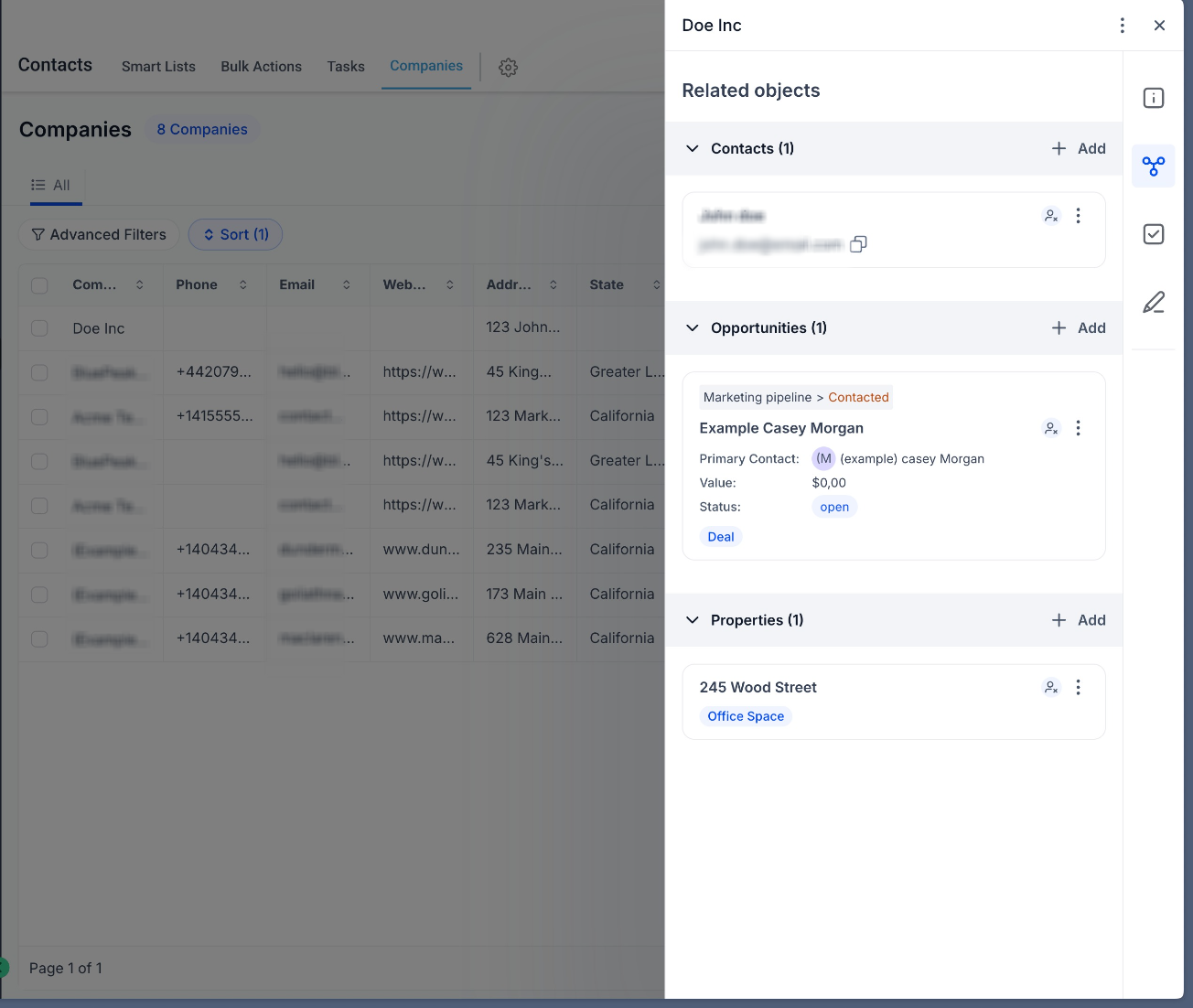
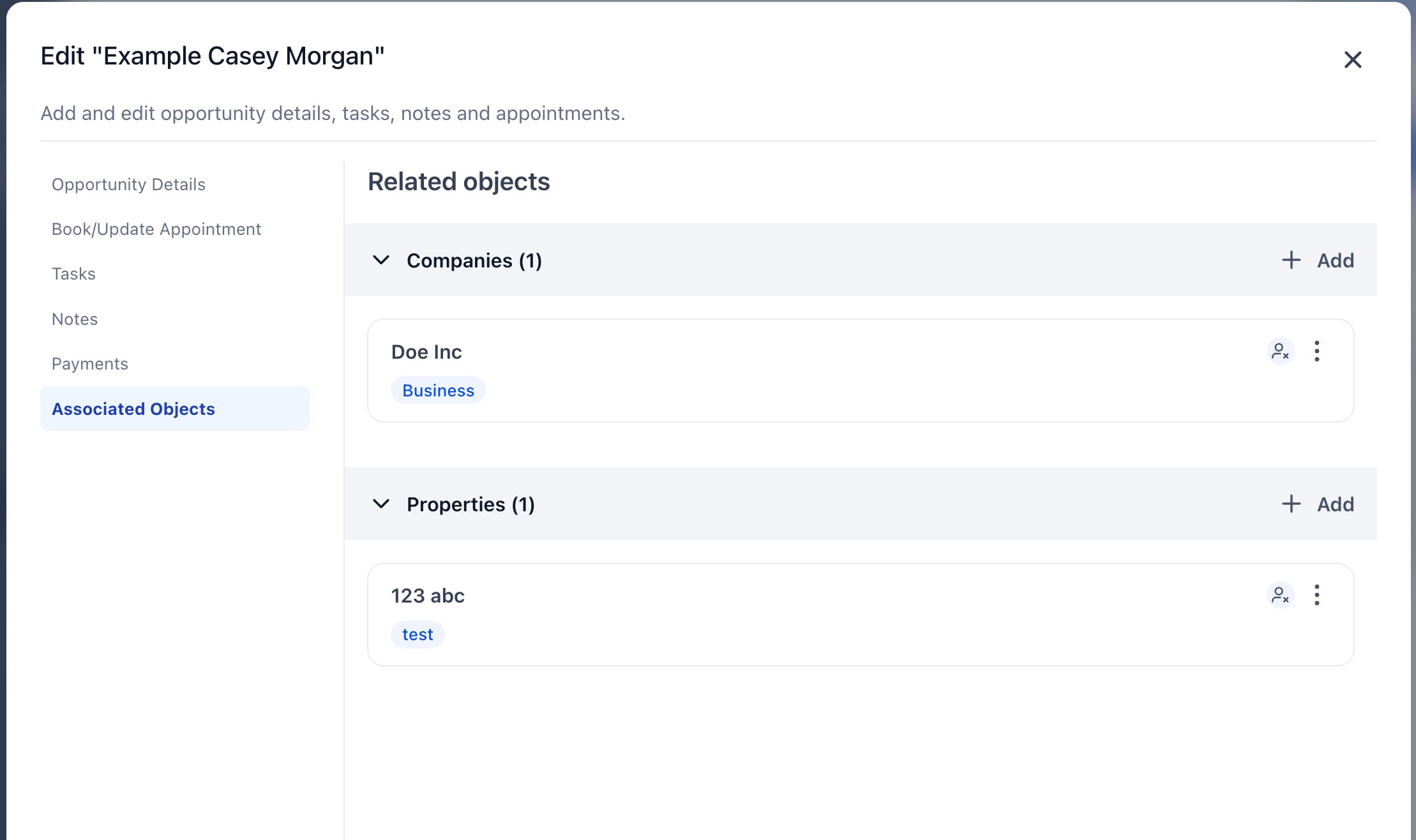
- View and manage these relationships directly within record views
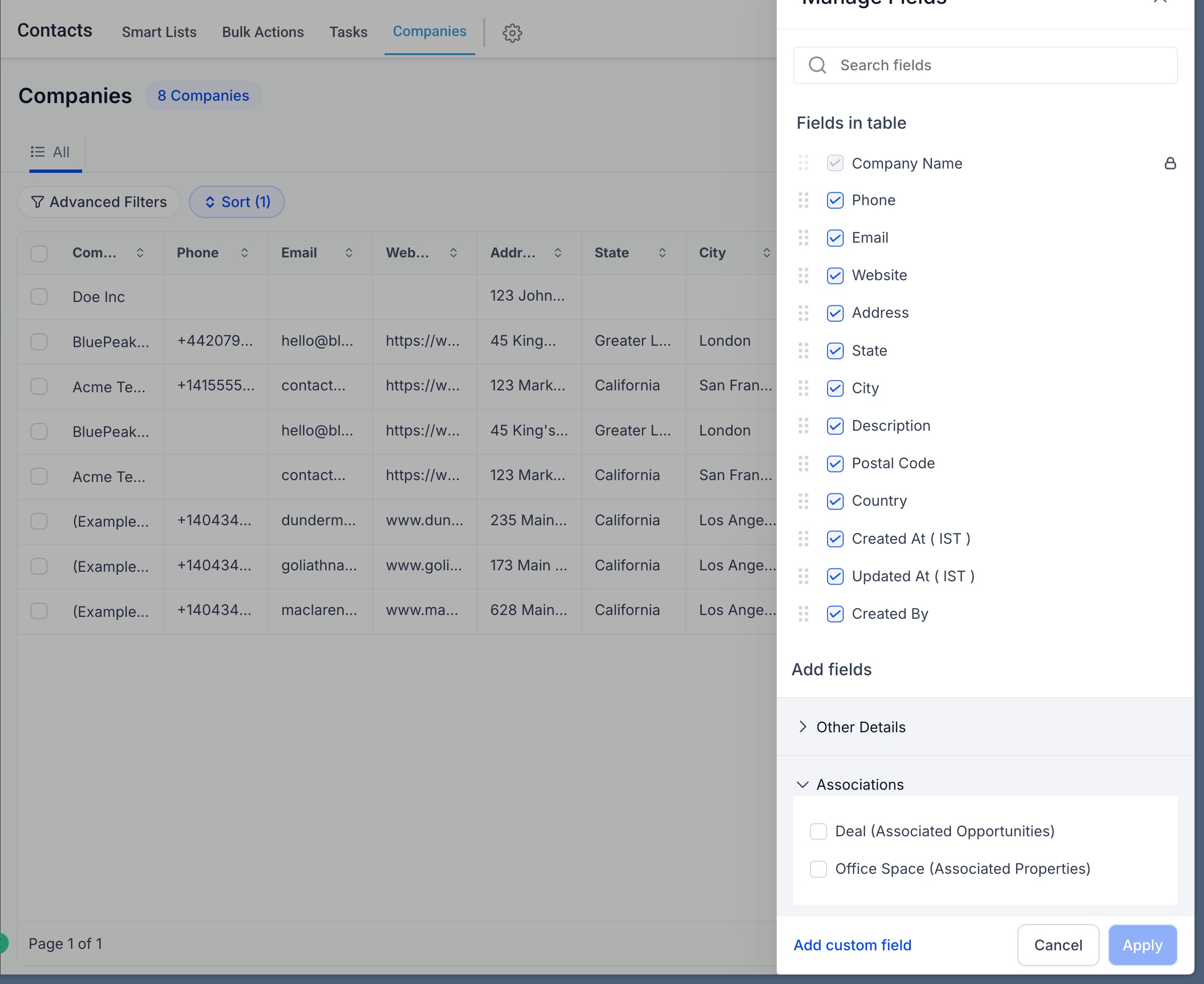
- View associated records directly in list views
- Supports one-to-one, one-to-many, and many-to-many relationships
Why this matters
- Build richer data relationships beyond contacts-only associations
- Get better context across opportunities, companies, and custom workflows
- Enable more accurate reporting and segmentation
How to use
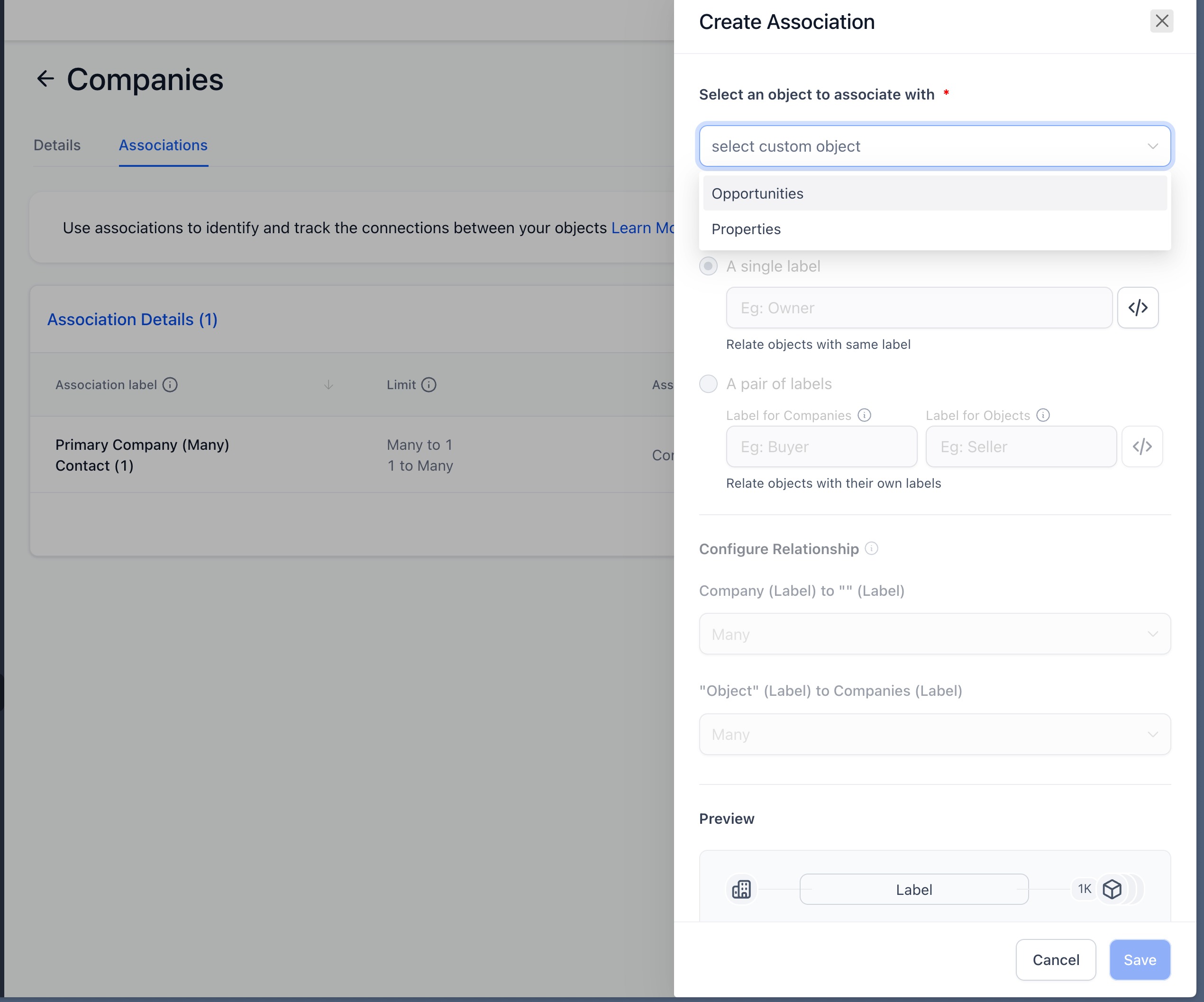
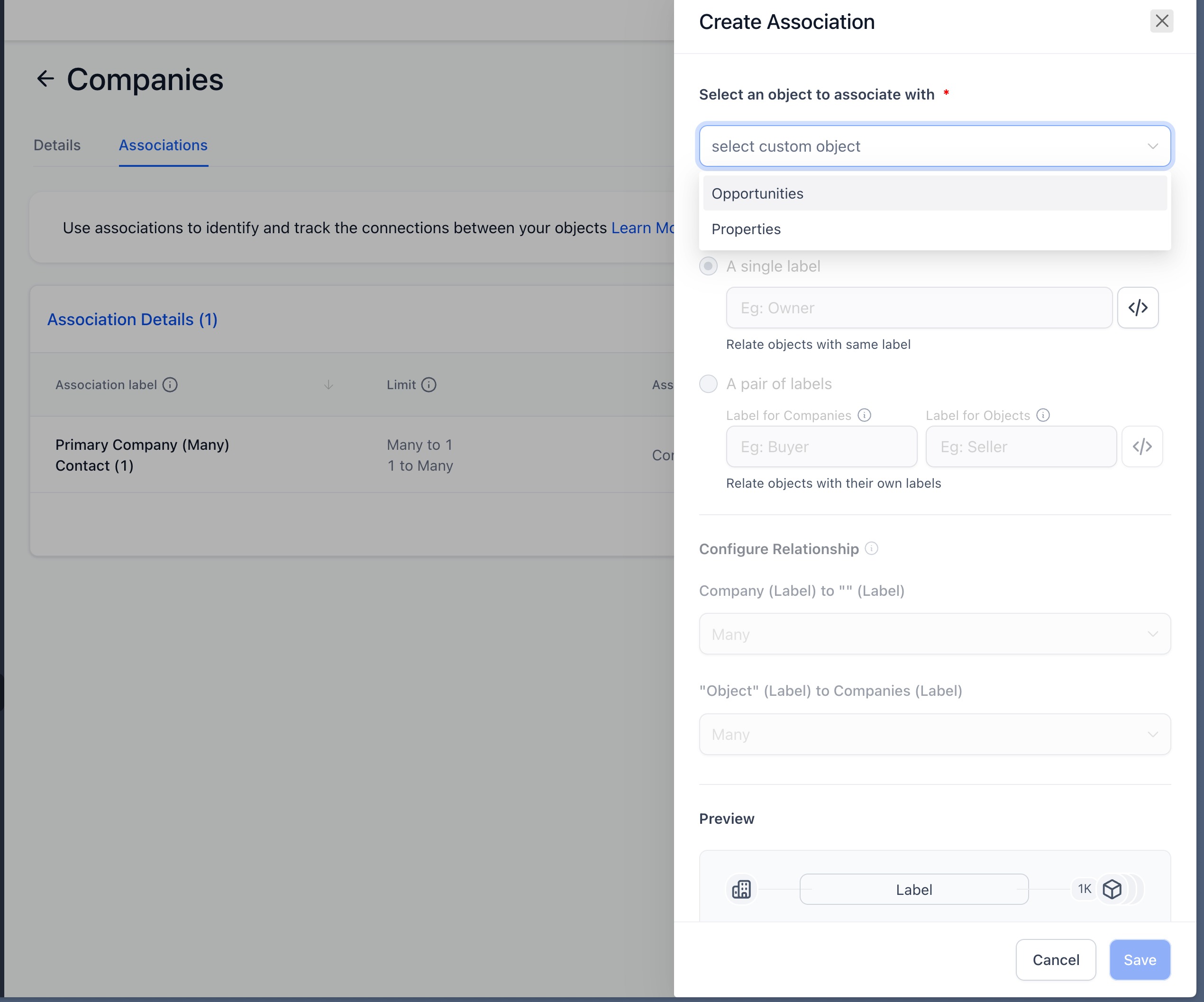
- Go to Object > Companies > Associations
- Click on "Create association" to build associations between multiple objects
- Open any custom object or opportunity record
- Navigate to the Associations section
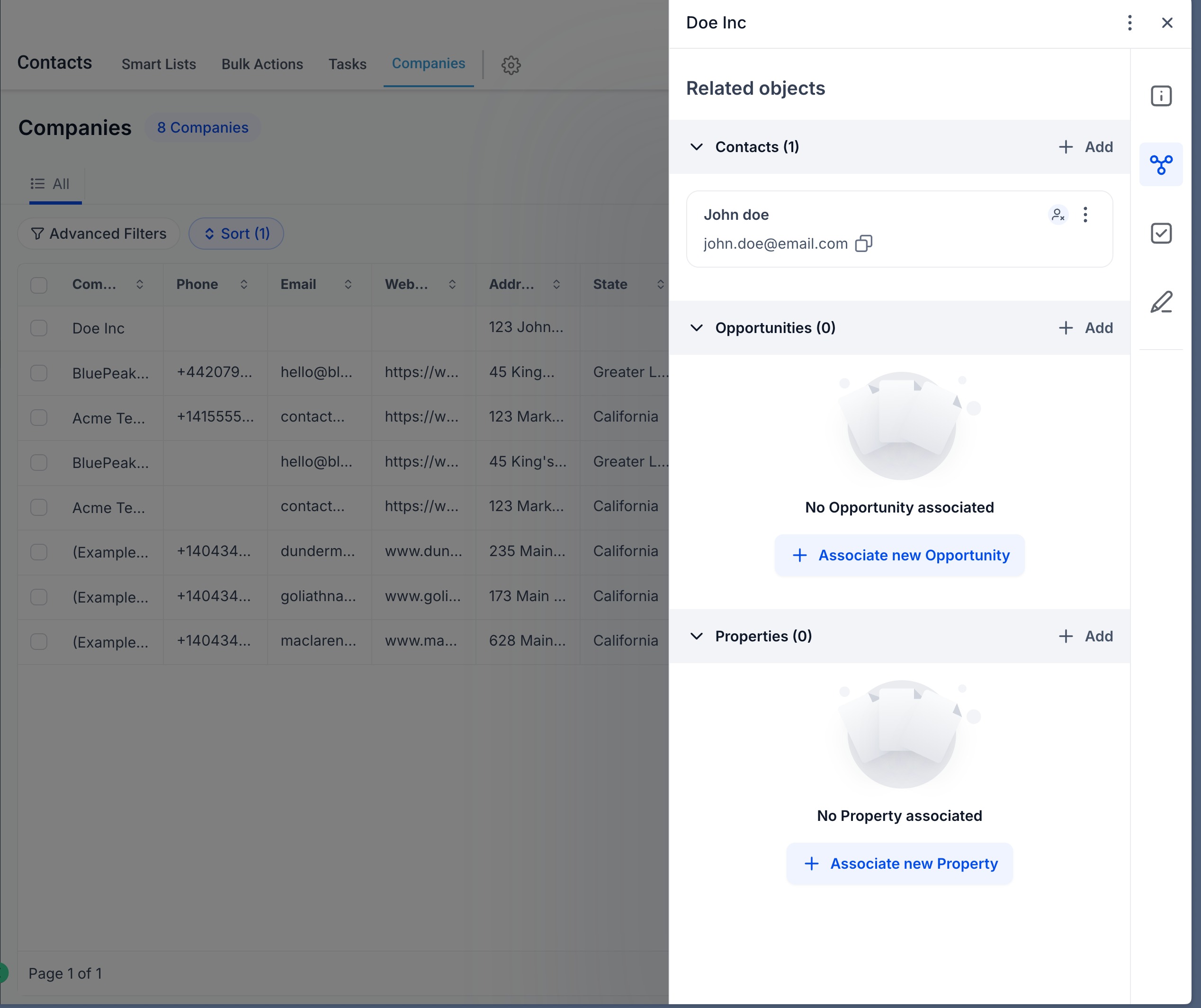
- Select Add Company and choose the relevant company
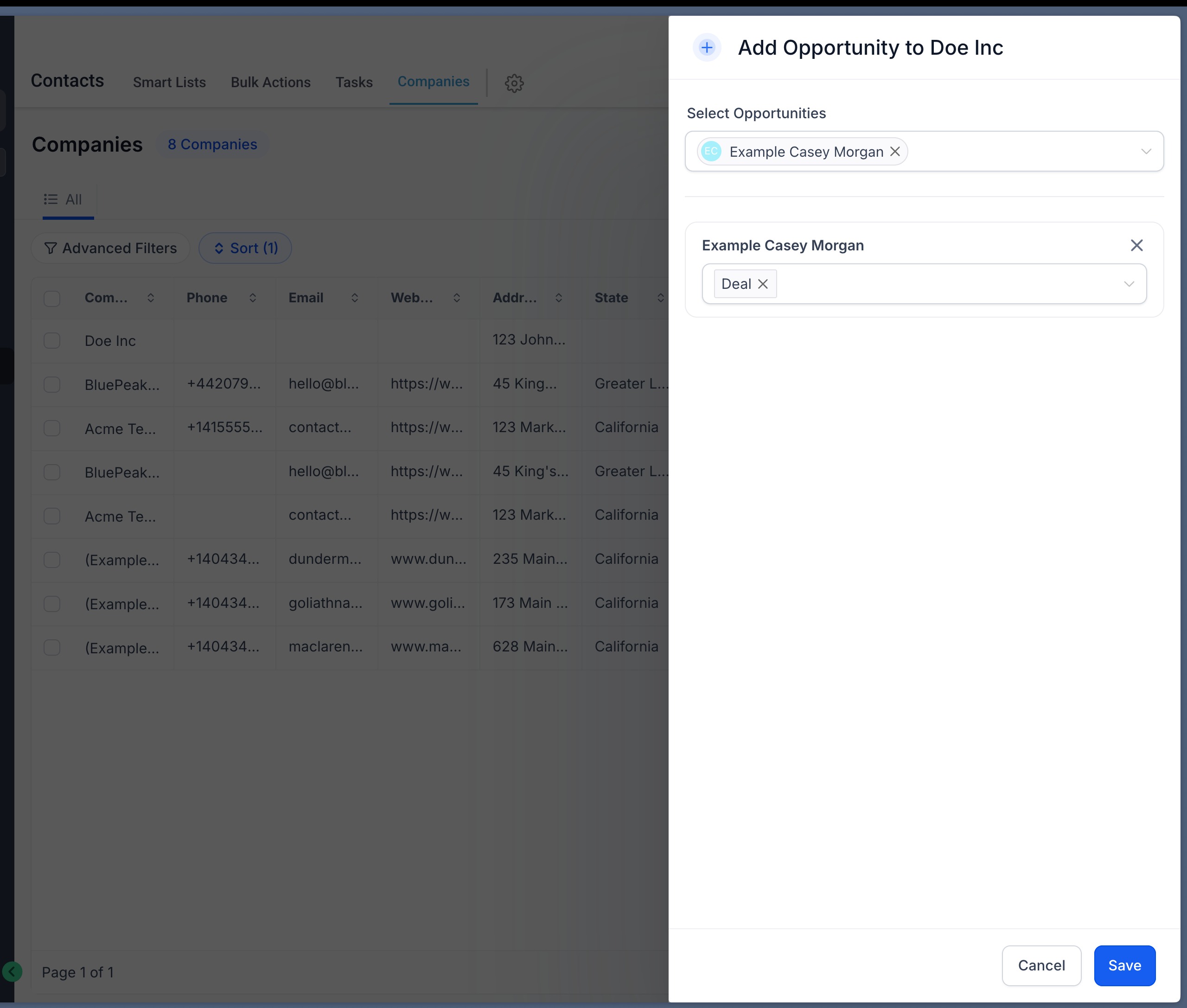
- Manage or update associations anytime from the same panel
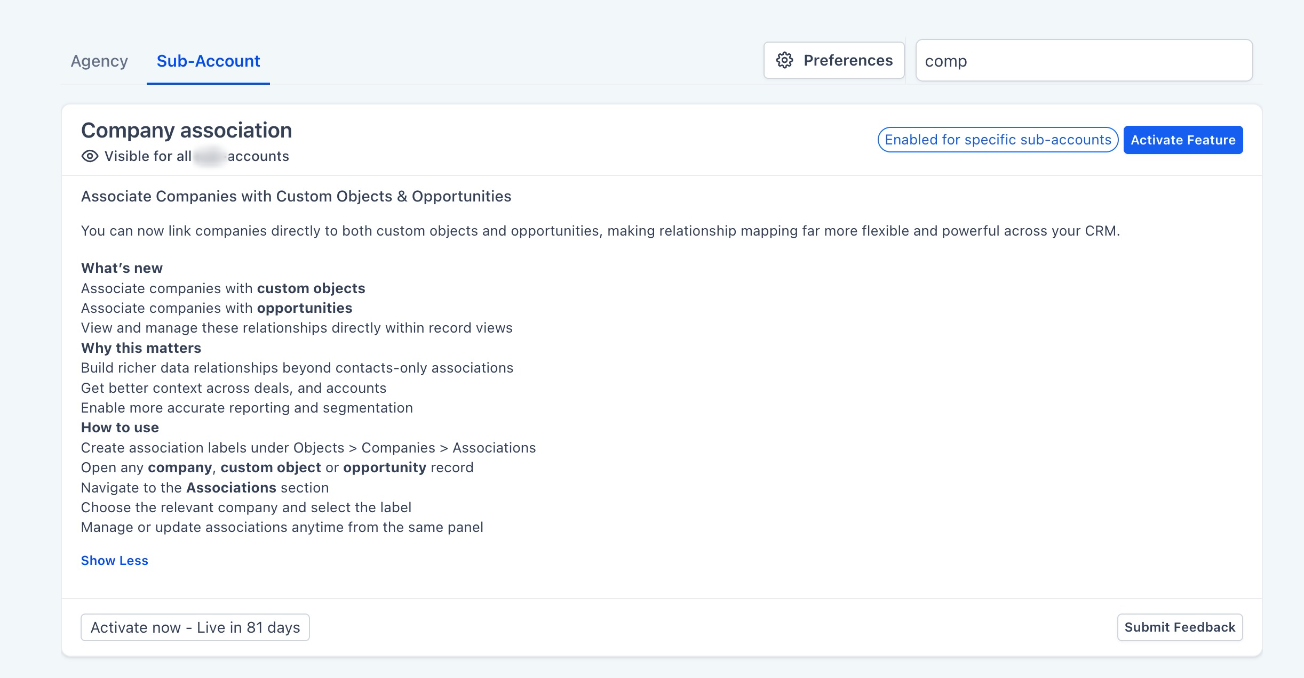
This feature is currently available on Labs > Account.
Was this article helpful?
That’s Great!
Thank you for your feedback
Sorry! We couldn't be helpful
Thank you for your feedback
Feedback sent
We appreciate your effort and will try to fix the article